 Planning Essential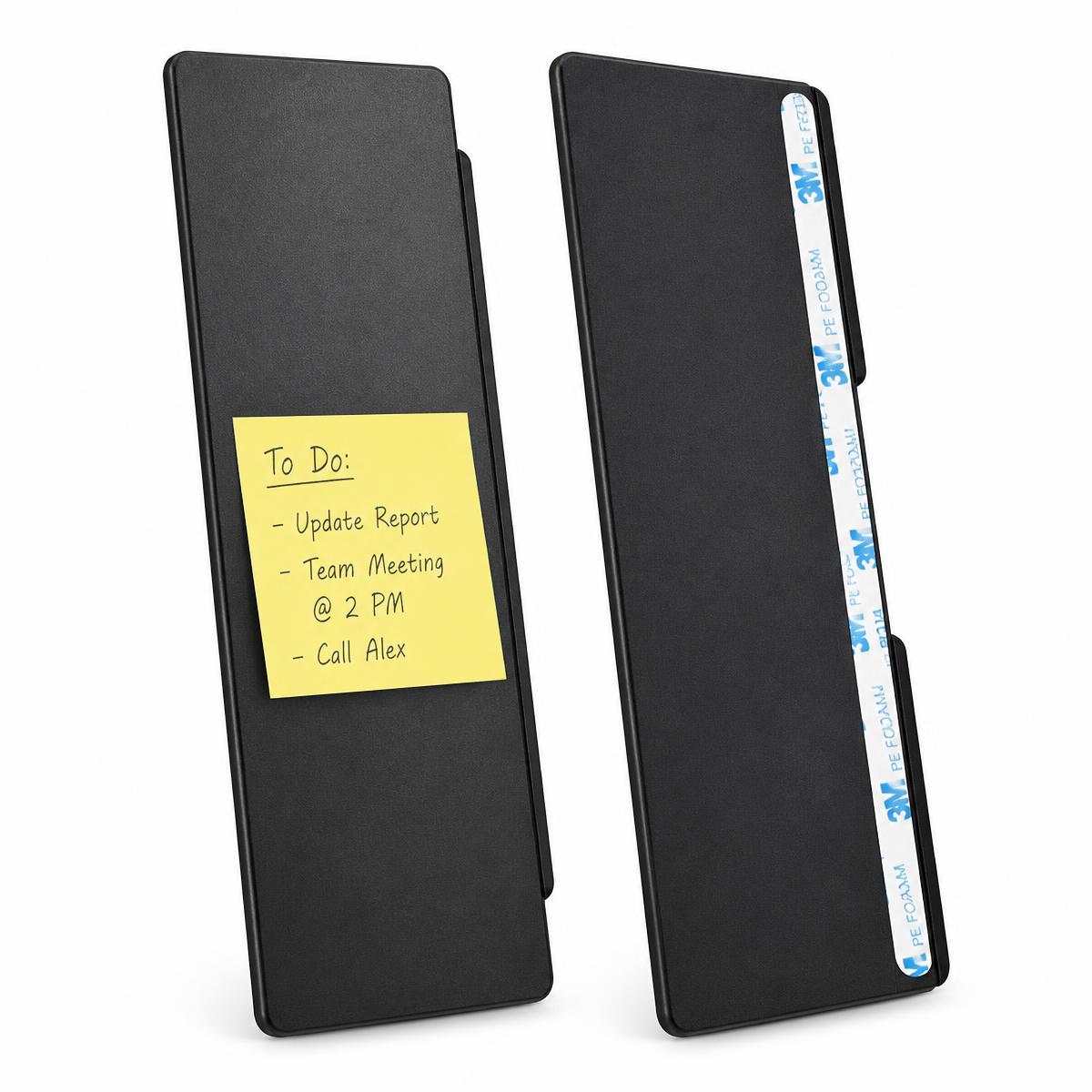
Desk Organization
Monitor Memo Boards — 2 Piece Set
Brand: MDOZQ · SKU ML-MMB-2PK
$18.50
Taxes calculated at checkout. Shipping estimated in cart.
Keep reminders where you can actually see them.
In stock — 64 available
1
- Ships from the U.S. — 1–2 business day processing, 3–7 day standard delivery.
- 30-day returns on unused items in original packaging.
- Secure checkout and responsive U.S.-based email support.
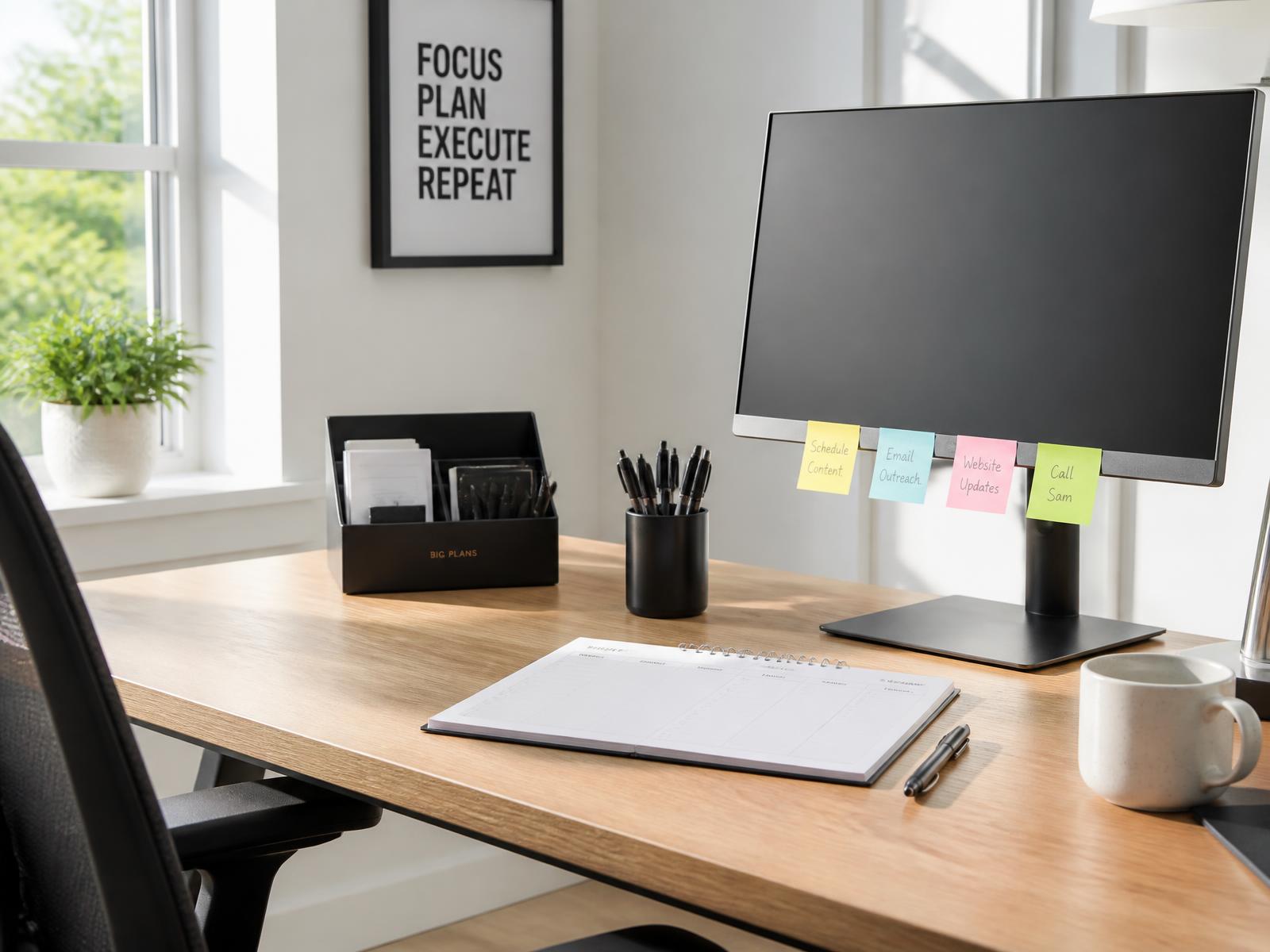
Sticky notes lose their usefulness the moment they end up under a keyboard. These two memo boards attach to either side of your monitor and give short-term notes a permanent home at eye level — priorities, call-backs, passwords you retype daily, the number you keep re-looking up. Because the panels sit outside the screen bezel, nothing blocks your working area.
Why customers choose it
Notes at eye level
Reminders stay beside the screen instead of buried in a paper pile.
No desk footprint
Panels mount to the monitor edge, so you keep the surface you already have.
Left and right coverage
Two boards let you split priorities from reference notes.
Works with what you own
Standard sticky notes and small index cards fit the panel width.
How to use it
- Wipe the monitor bezel edge with a dry, lint-free cloth and let it dry completely.
- Hold the panel against the side of the monitor and check the position before removing the liner.
- Peel the adhesive liner and press the panel firmly along its full length for several seconds.
- Let the adhesive set before adding notes.
Best for
- Sticky notes
- Reminders
- Priority tasks
- Phone numbers
- Quick reference notes
What's included
- 2 x monitor memo boards
- Pre-applied mounting adhesive
Common questions
Will it block part of my screen?
No. The panels are designed to sit along the outside edge of the monitor housing, not over the display area.
Can I remove and remount them?
Adhesive mounts are intended as a single application. Choose the position before removing the liner.
Do they fit curved monitors?
Fit depends on the bezel profile of your specific monitor. Flat side edges give the most reliable contact.
Complete the setup
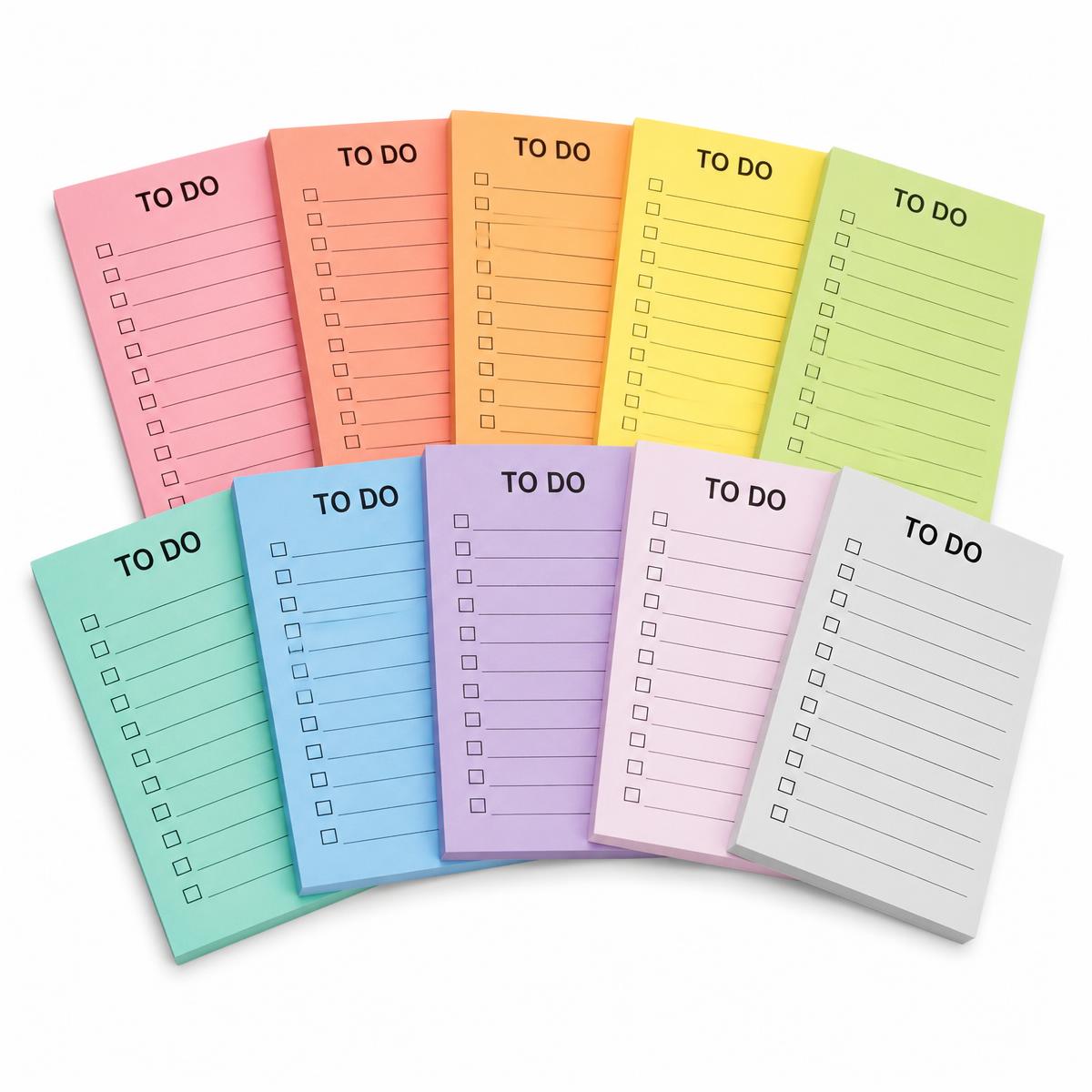
Items customers commonly pair with the monitor accessories.